

Start with your BC3
Open compatible budgets and libraries. Review their structure before working on them.
VECTORIA COST · CONSTRUCTION ESTIMATING
Work with your BC3 files and price libraries. Use Vector to prepare update proposals and decide which changes to include in your budget.
Free manual tools · Cost Pro separately or included with Vectoria Pro and Studio
MEET VECTOR IN COST
Explore the presentation and see how Vector helps you work with budgets.
Start with your BC3 file.
WHAT YOU CAN DO
Open compatible budgets and libraries. Review their structure before working on them.
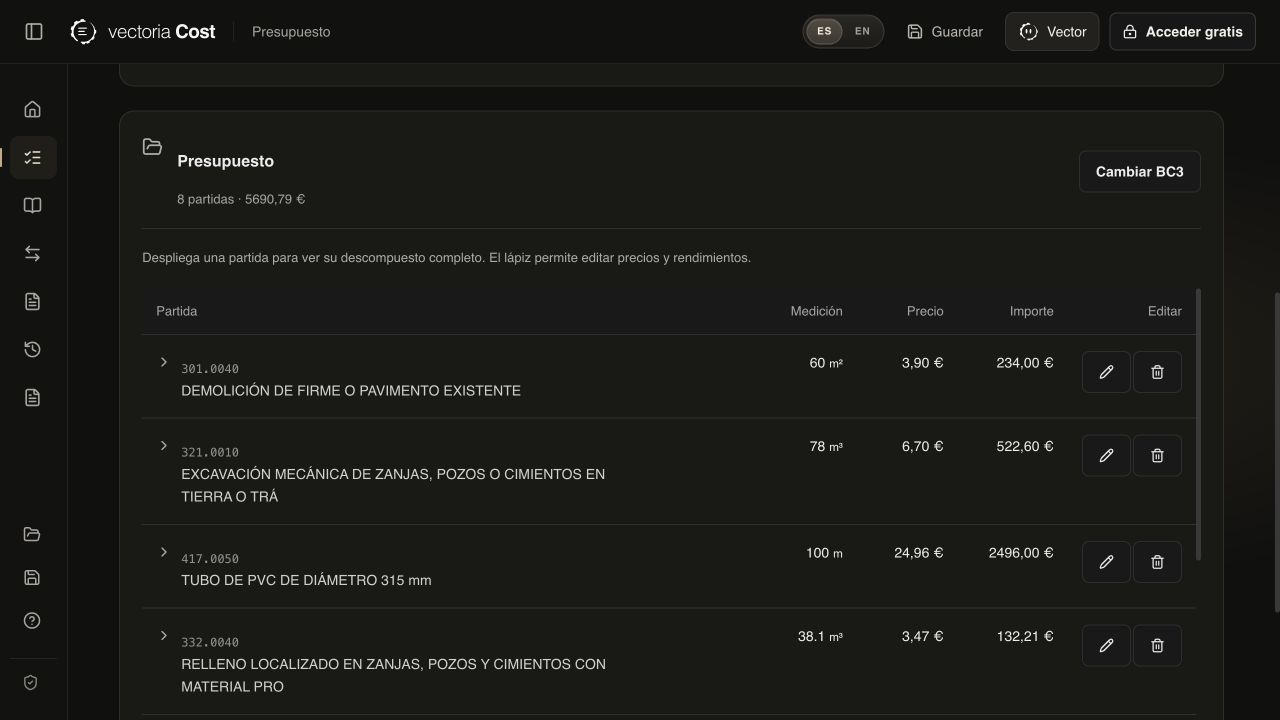
Organise and edit your budget with the free manual tools.
Bring the references you want to work with to keep your decisions in context.
Ask the Pro agent to find references and prepare proposals for your budget.
Inspect the proposal, select the changes and stay in control of the review.
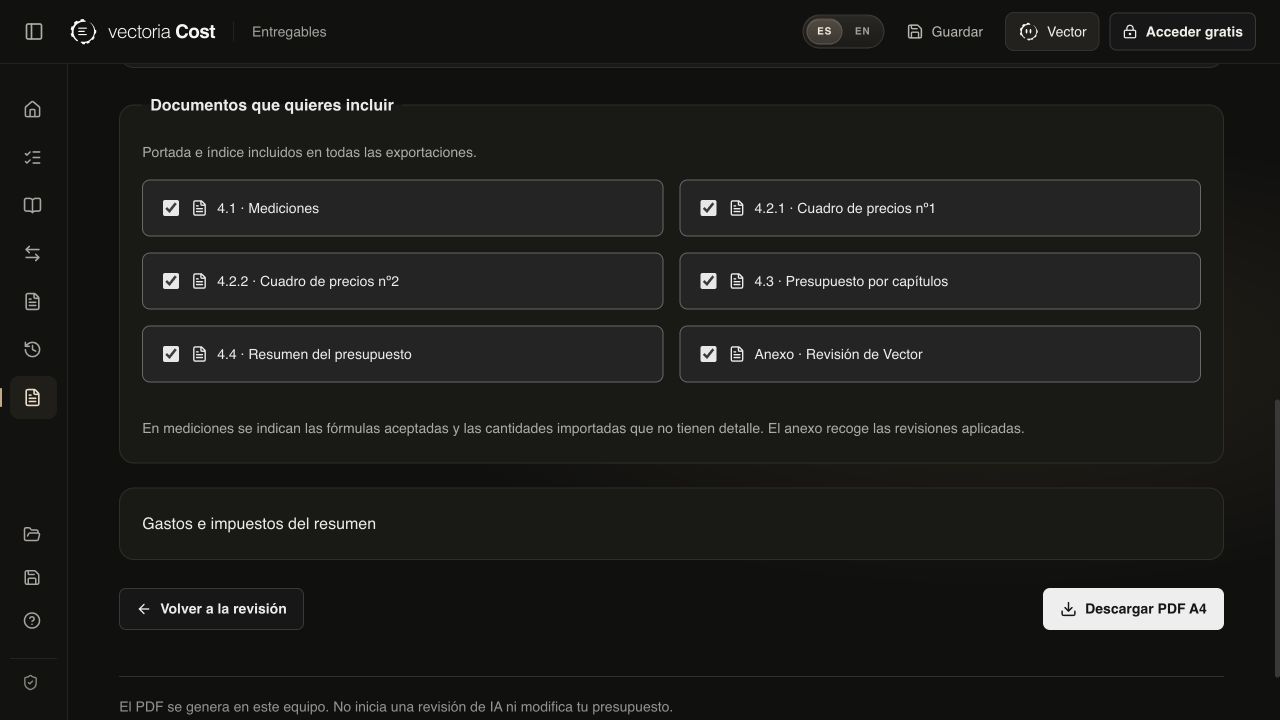
Prepare a BC3 or PDF export and check the budget before sharing it.
THE PRODUCT IN USE
Screenshots of Vectoria Cost with a fictional demonstration budget.
AT YOUR OWN PACE
Start with a compatible BC3 and check its data.
Edit manually or use Vector with Pro.
Accept the relevant changes and save the result.
YOUR ACCESS TO COST
Manual tools are free. To use the agent, choose the access that fits your work.
BEFORE YOU START
Yes. Manual tools are free. The Vector agent requires Cost Pro or a subscription that includes that access.
You can open the application directly from this page and explore the tools at your own pace.
Cost works with the BC3 subset supported by its importer. Check chapters, items, breakdowns and amounts after importing each file.
The proposal workflow lets you review and decide which changes to include. Always check the result before exporting it.
Cost Pro has a reference price of 49.90 USD per month, taxes included. Paddle shows the available payment currency and final amount before you pay. It is a standalone subscription for Cost. Manual tools remain free.
No. You can subscribe to Cost Pro separately. If you already have Vectoria Pro or Studio, Cost Pro is included: sign in with the same Vectoria account, without another subscription. The AI allowance is shared across your plan’s products.
WITH VECTORIA
Explore the product before choosing a subscription.
Open Cost for free