
Explore one or more IFC files
Manage model visibility and locate the elements you want to inspect.
VECTORIA VIEWER · IFC MODELS
Open your IFC in the browser, explore its elements and inspect their properties. Review with free manual tools or connect the steps with Vector Pro.
Free manual tools · Viewer Pro separately or included with Vectoria Pro and Studio
MEET VECTOR IN VIEWER
Explore the presentation and see how Vector helps you explore your IFC model.
Your model, on your device.
WHAT YOU CAN DO
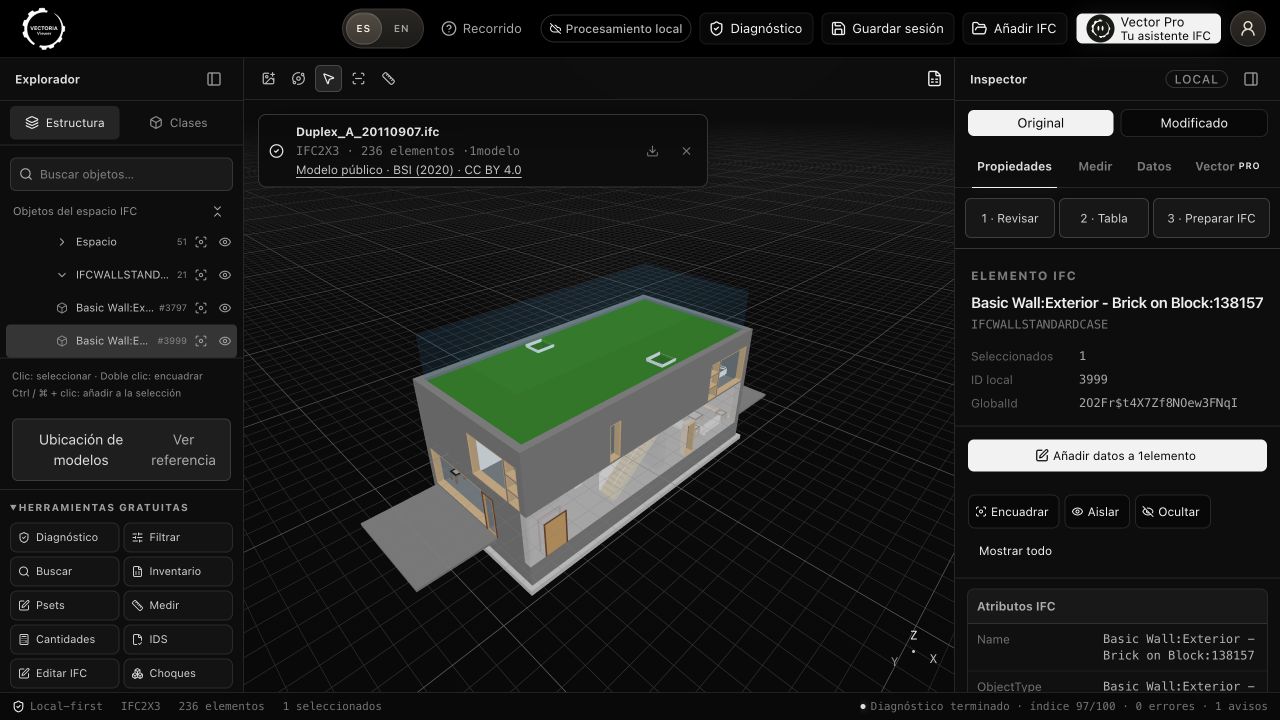
Manage model visibility and locate the elements you want to inspect.
Search, filter and isolate objects to connect their geometry with the available data.
Use measurement tools to explore distances, areas and geometric volumes.
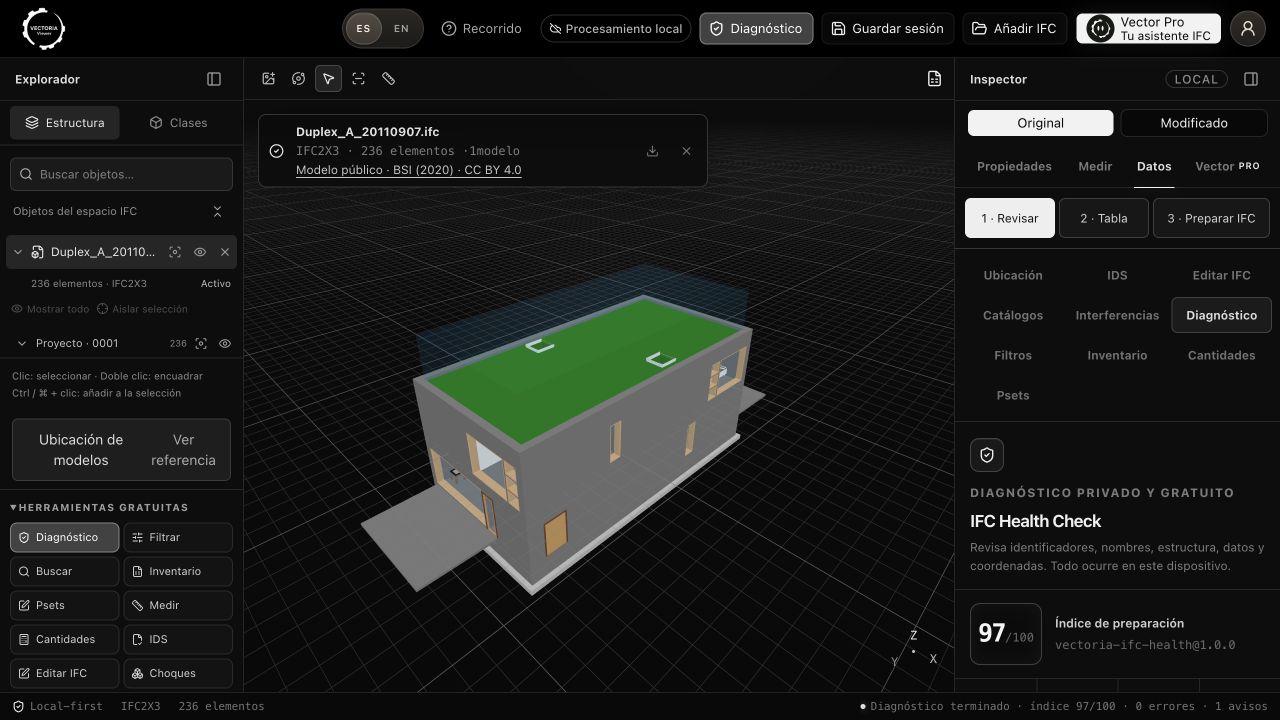
Health Check shows documented checks and elements worth reviewing. It does not certify compliance.
Work with properties and Psets, reviewing the changes you want to include.
Prepare inventories, reports or a new IFC copy, depending on the operation performed.
THE PRODUCT IN USE
Sample model: Duplex Apartment Test Files, buildingSMART International (2020), CC BY 4.0. Screenshots taken in Vectoria Viewer.
AT YOUR OWN PACE
Use your file or the demonstration model.
Inspect properties, filter elements and take measurements.
Export the results from the tools you have used.
YOUR ACCESS TO VIEWER
Manual tools are free. To use the agent, choose the access that fits your work.
BEFORE YOU START
The viewer tools run in your browser. You can start with the sample model from this page.
Opening files and using local tools processes the IFC on your device. Remote AI features have their own data processing terms.
The manual exploration, review and export tools available in Viewer. Vector and automation require Pro access.
No. It is an informational review based on documented rules. Its results require interpretation and technical verification.
Viewer Pro has a reference price of 49.90 USD per month, taxes included. Paddle shows the available payment currency and final amount before you pay. It is a standalone subscription for Viewer. Manual tools remain free.
Yes. You can use its manual tools for free or subscribe to Viewer Pro separately. If you already have Vectoria Pro or Studio, Viewer Pro is included: sign in with the same Vectoria account, without another subscription. The AI allowance is shared across your plan’s products.
WITH VECTORIA
Explore the product before choosing a subscription.
Try a sample IFC