← Civil videos

VECTORIA CIVIL · DEMONSTRATION

Export physical civil works to IFC 4.3 with RCEclass in Vectoria Civil

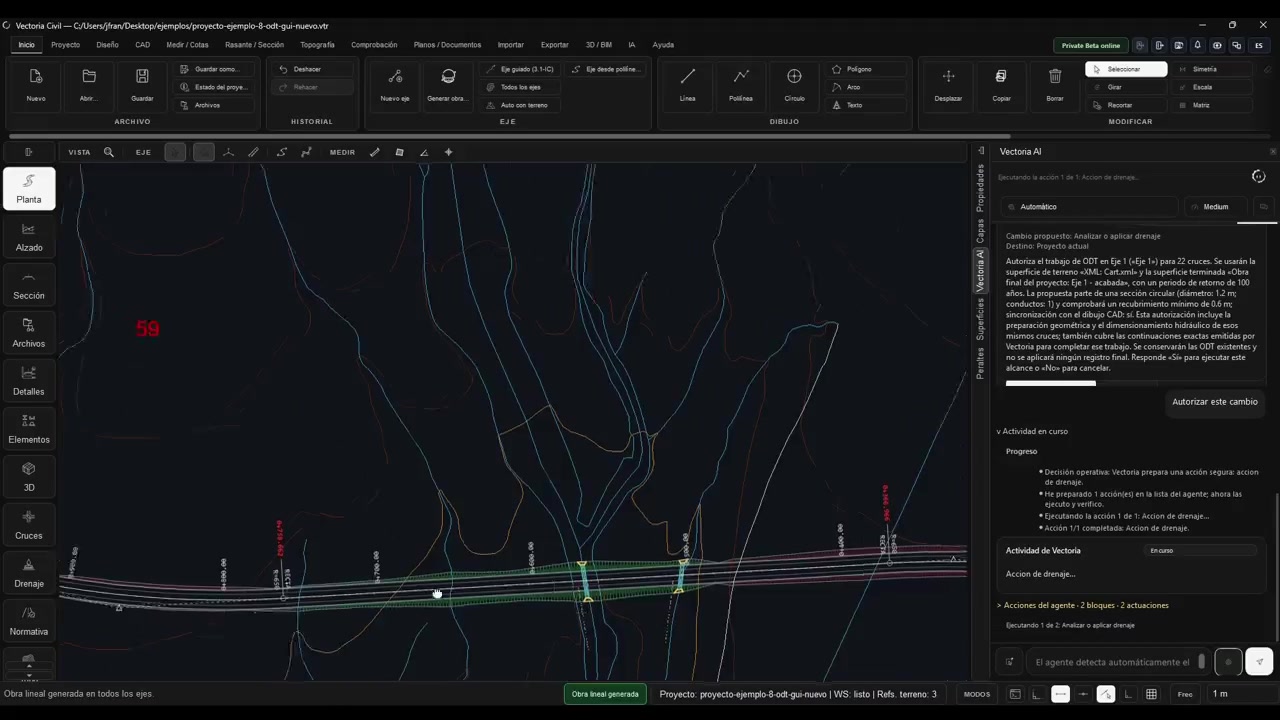
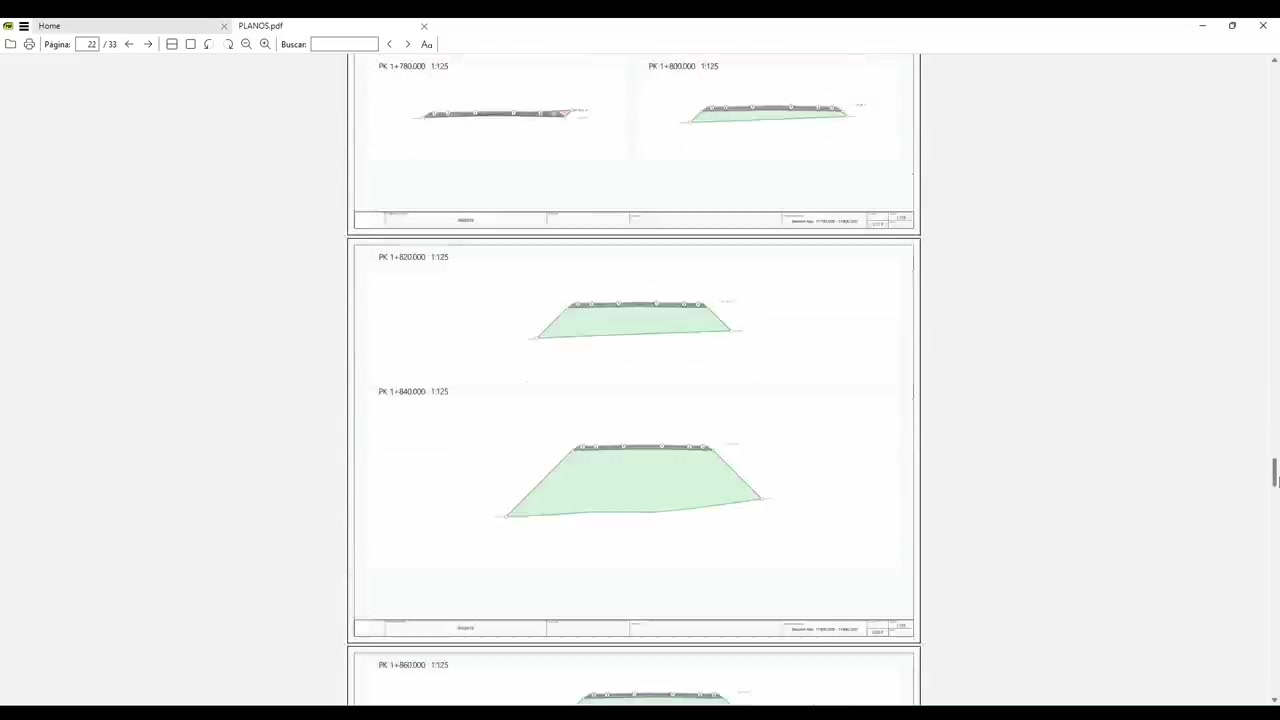
The demonstration prepares an IFC 4.3 file with 262 classified physical elements, including six culverts. The request defines what the deliverable includes, what it excludes and which RCEclass codes the agent should use.

Visual demonstration without narration. The text on this page explains the process and the results shown.

1:06

WHAT THE VIDEO SHOWS

The task in this example

Prepare an IFC deliverable whose content and classification match the requested scope, keeping physical works separate from surfaces and visual representations.

The process, step by step

  1. Request an IFC 4.3 export of the physical works and culverts, excluding surfaces and specifying the S_PRO and C_VIR codes.
  2. Review the RCEclass catalogue lookup and the scene audit, including warnings about exportable geometry.
  3. Check the scope of the generated file and locate the deliverable saved in the project workspace.

MORE PRODUCT EXAMPLES

More Civil demonstrations